Instructions
Rules, opponents, levels — and what changed in which version.
The rule
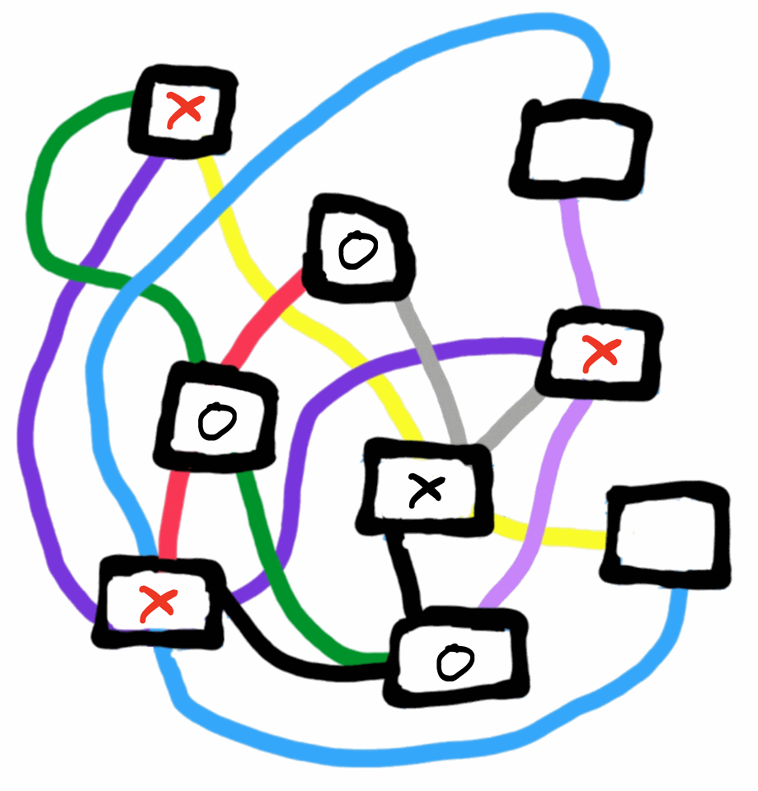
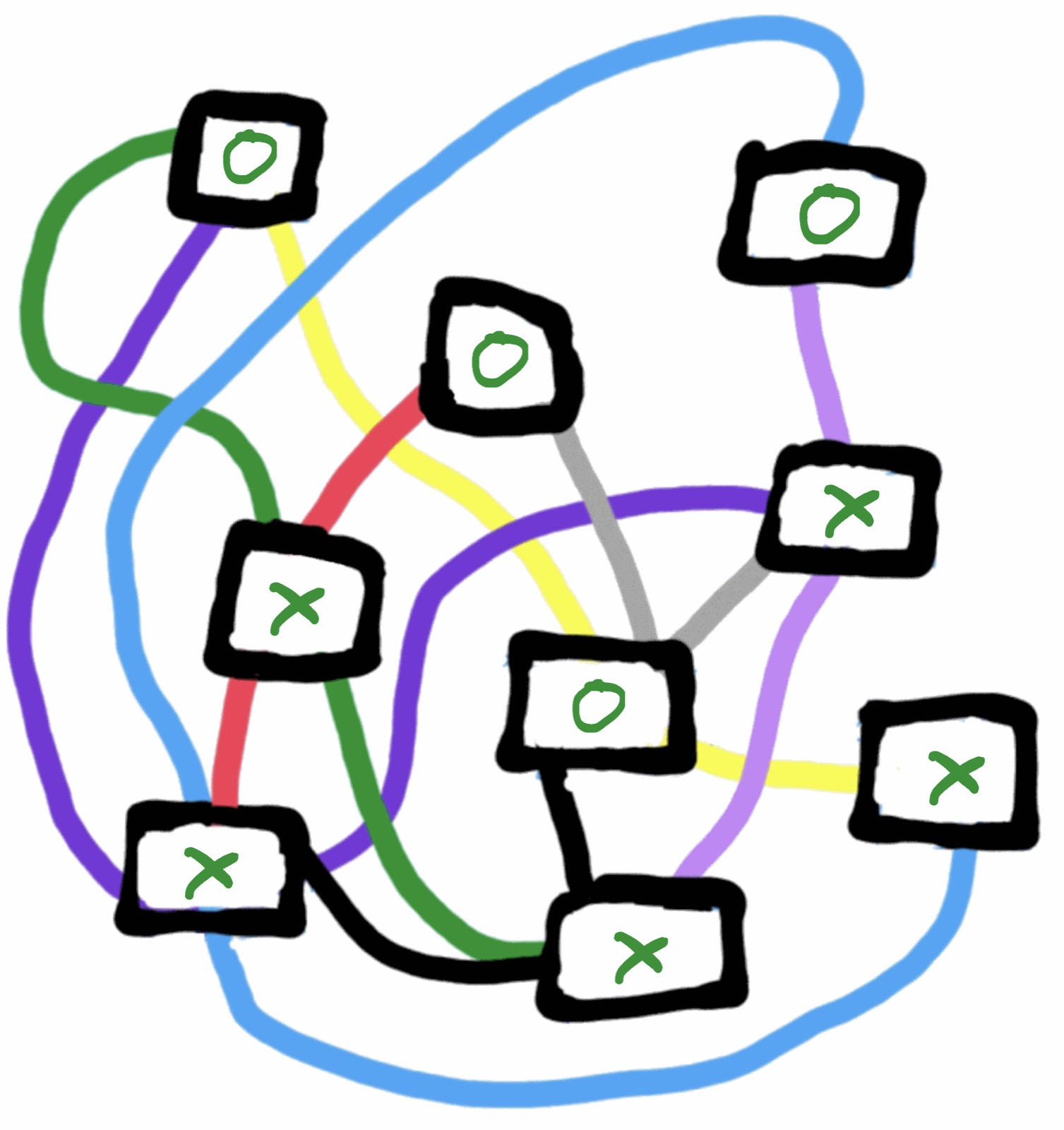
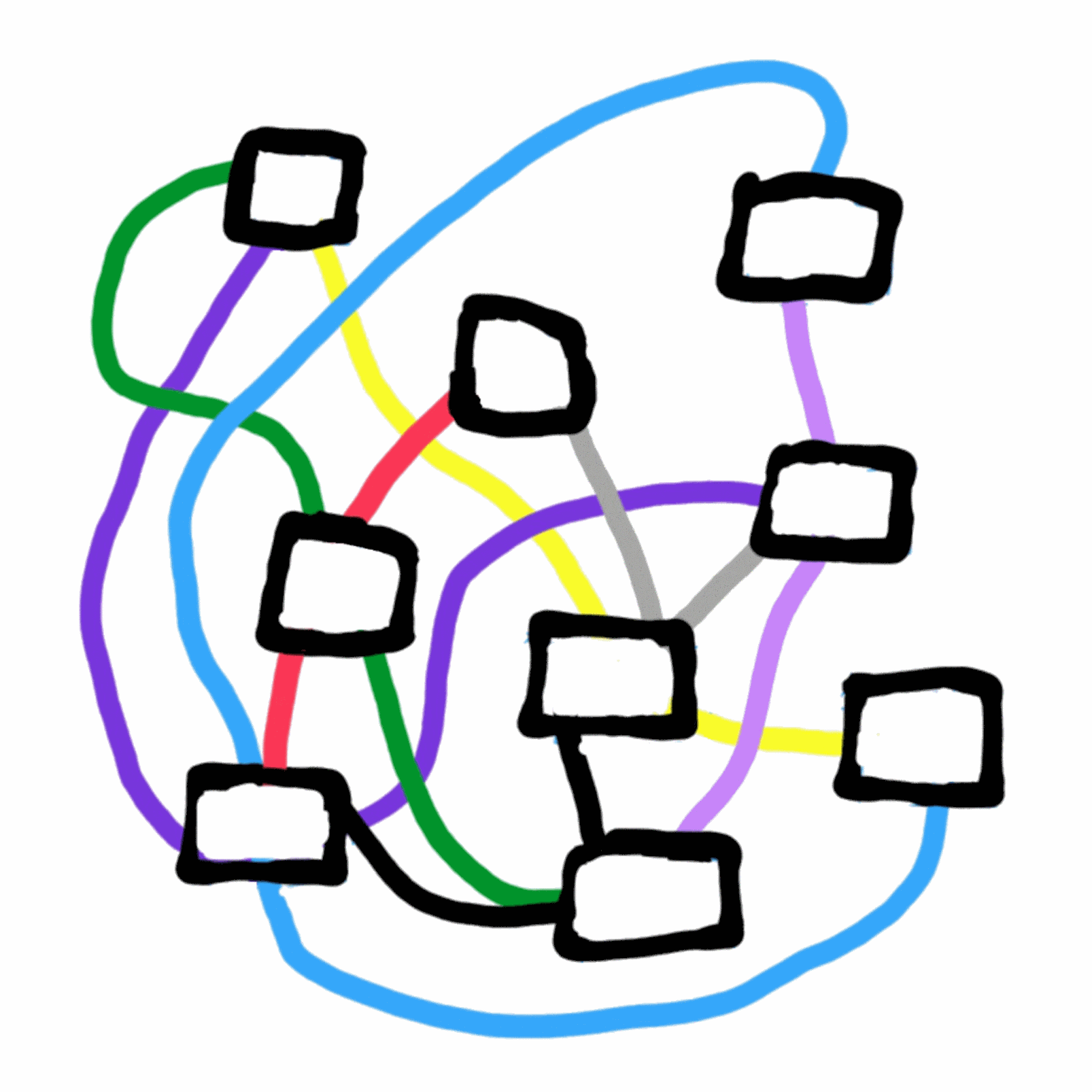
Players “X” and “O” move alternately; “X” begins. The first player to occupy all fields of one colour wins.
Choosing an opponent
You can play with a friend or against your Apple device. For the device there are three tiers:
- simple software that makes its moves at random,
- software that looks one move ahead,
- perfect software that calculates the game to the end.
In every variant you may start — then you are “X” — or let your opponent go first, in which case you are “O”.
On Apple Watch and Apple TV
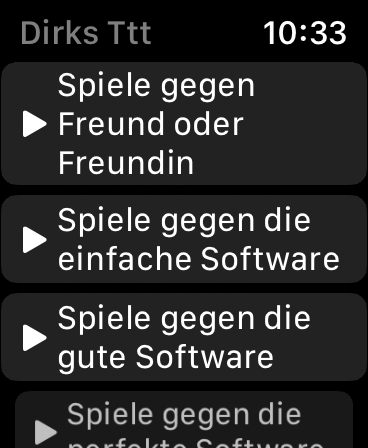
This menu appears when the app starts. Choose the variant here:
On iPhone, iPad, iPod touch and Mac
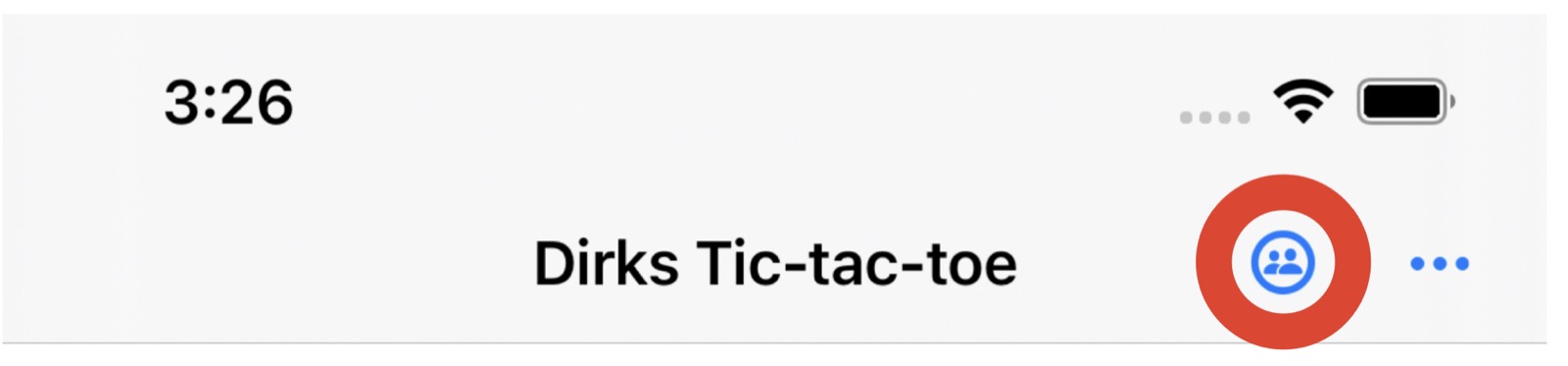
In the menu at the top, the symbol marked in red opens the selection:
Moving between games
On iPhone, iPad, iPod touch and Apple Watch, swipe right or left.
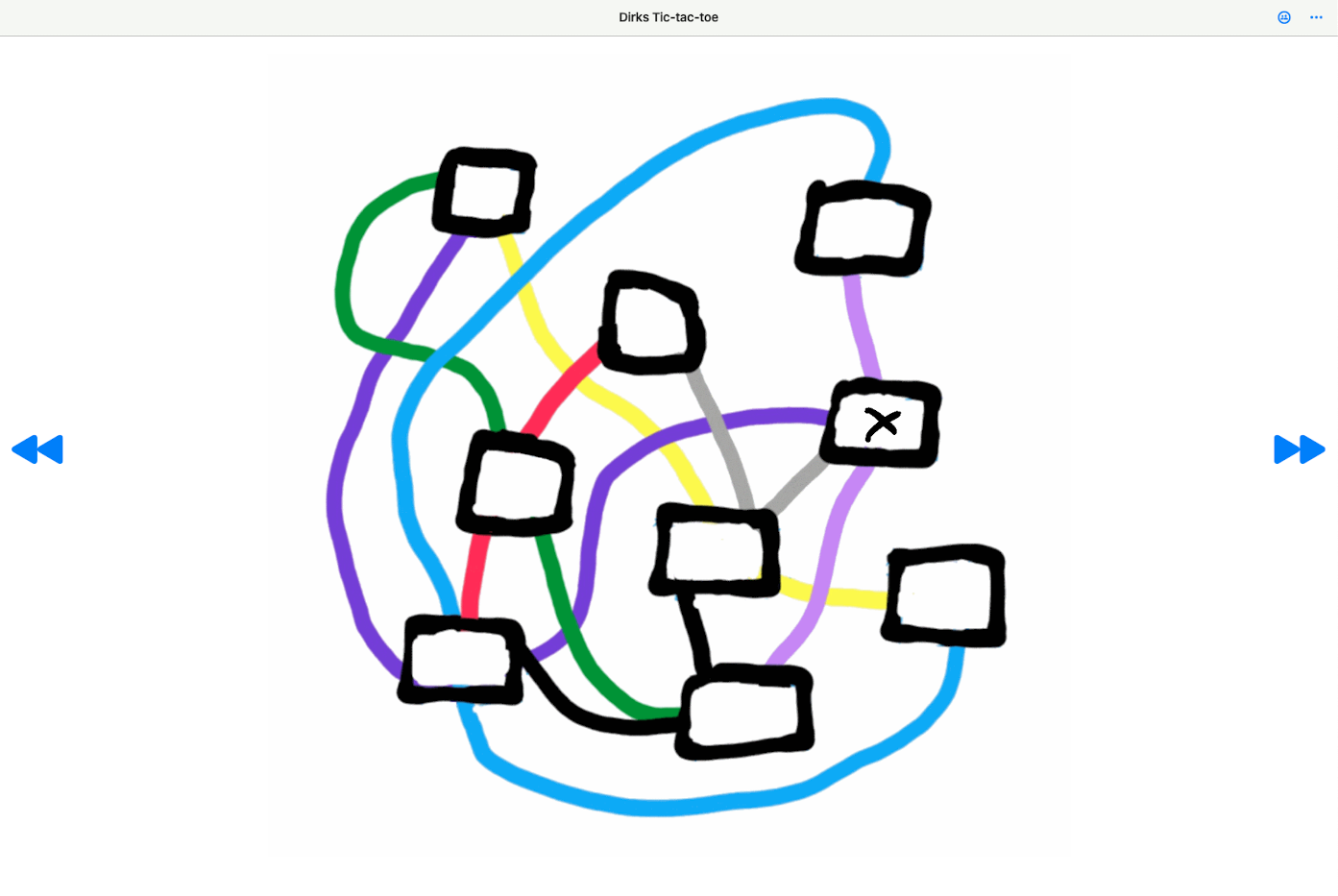
On the Mac, use the navigation areas at the left and right edge of the window:
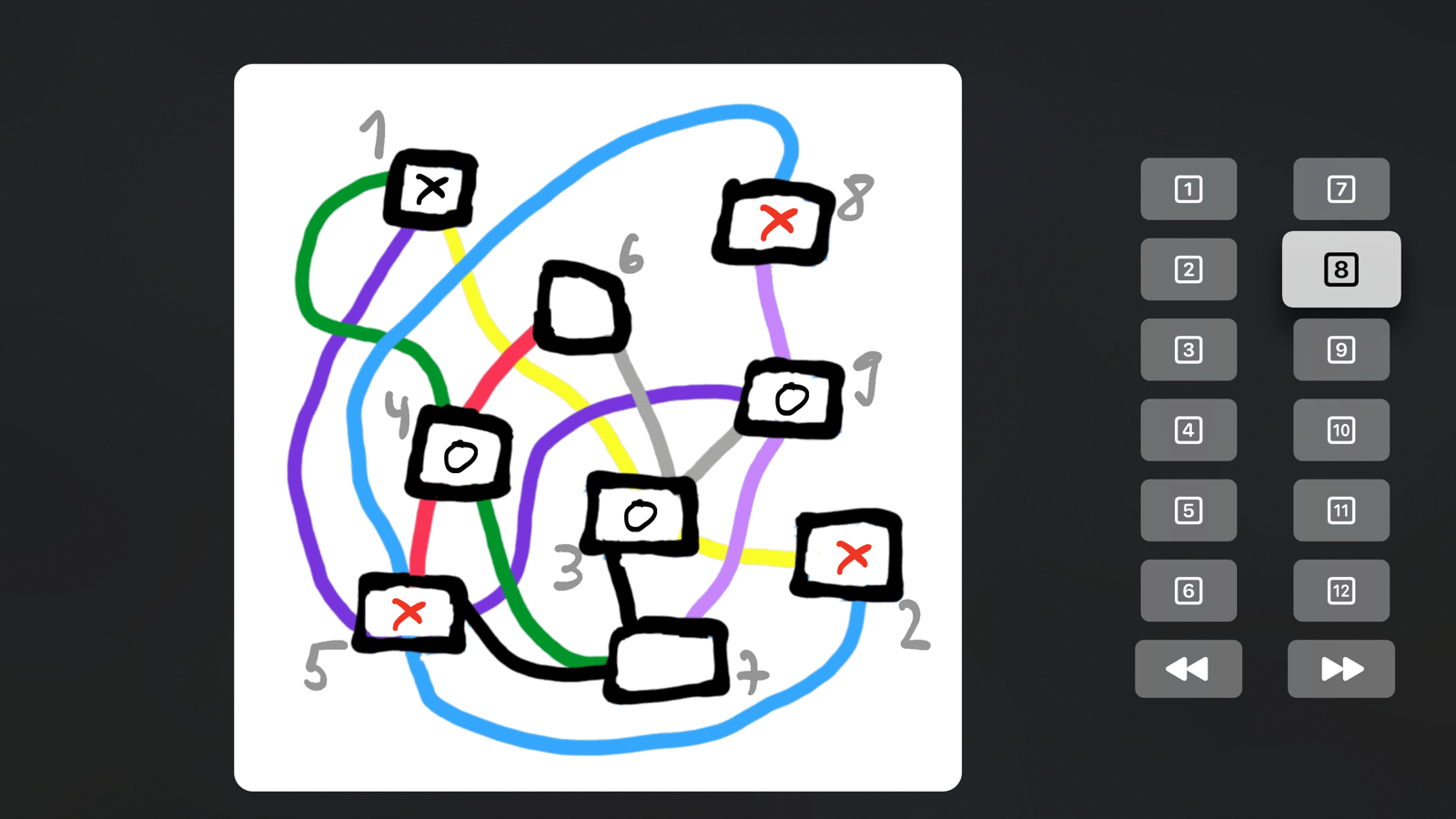
On Apple TV, navigate using the areas at the right edge. Select a field by clicking its number:
The levels
There are levels with more than nine fields in which player “X” wins with perfect play. So do not be frustrated if you lose to the perfect software there — it is not your fault.
A selection:
Level 1 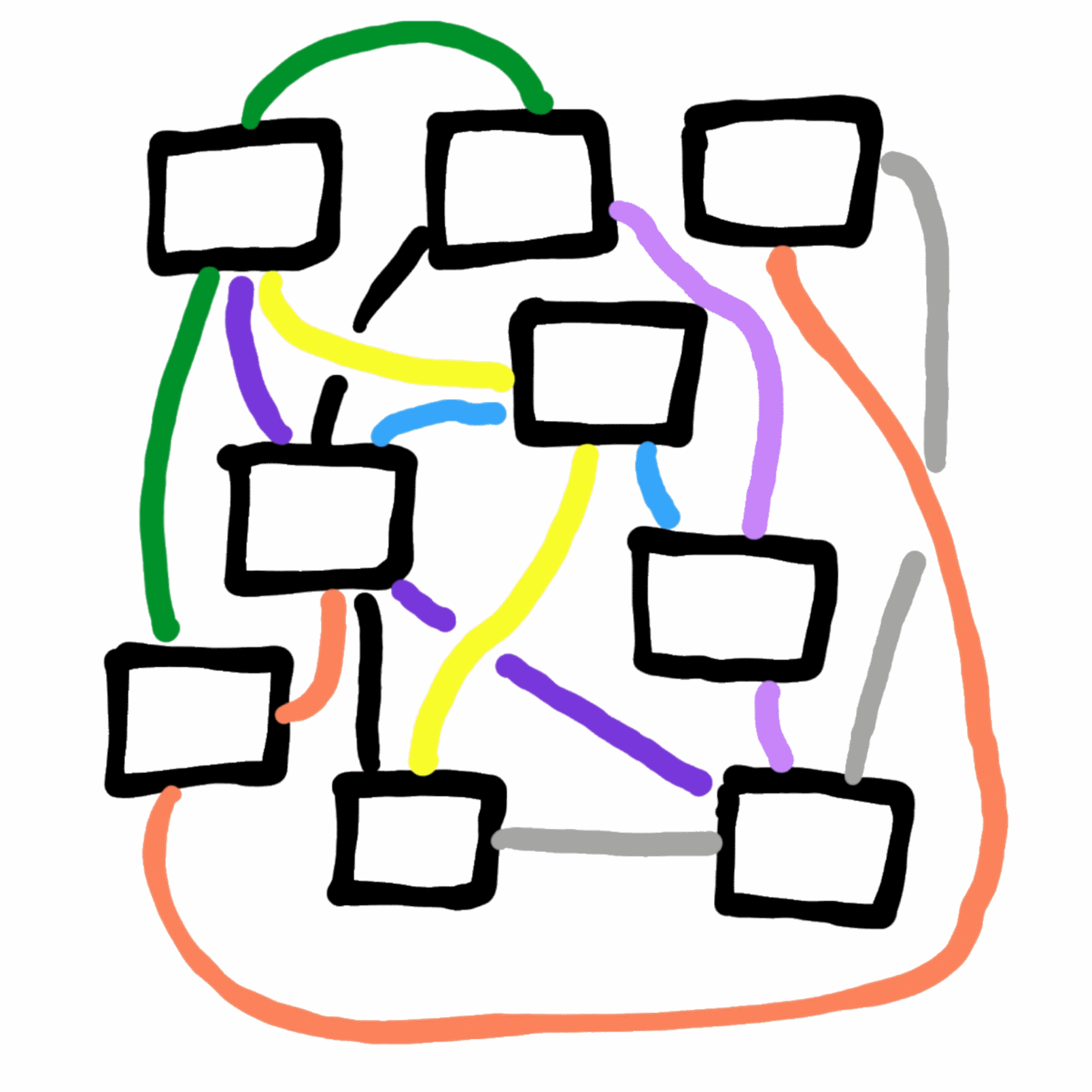
Level 2 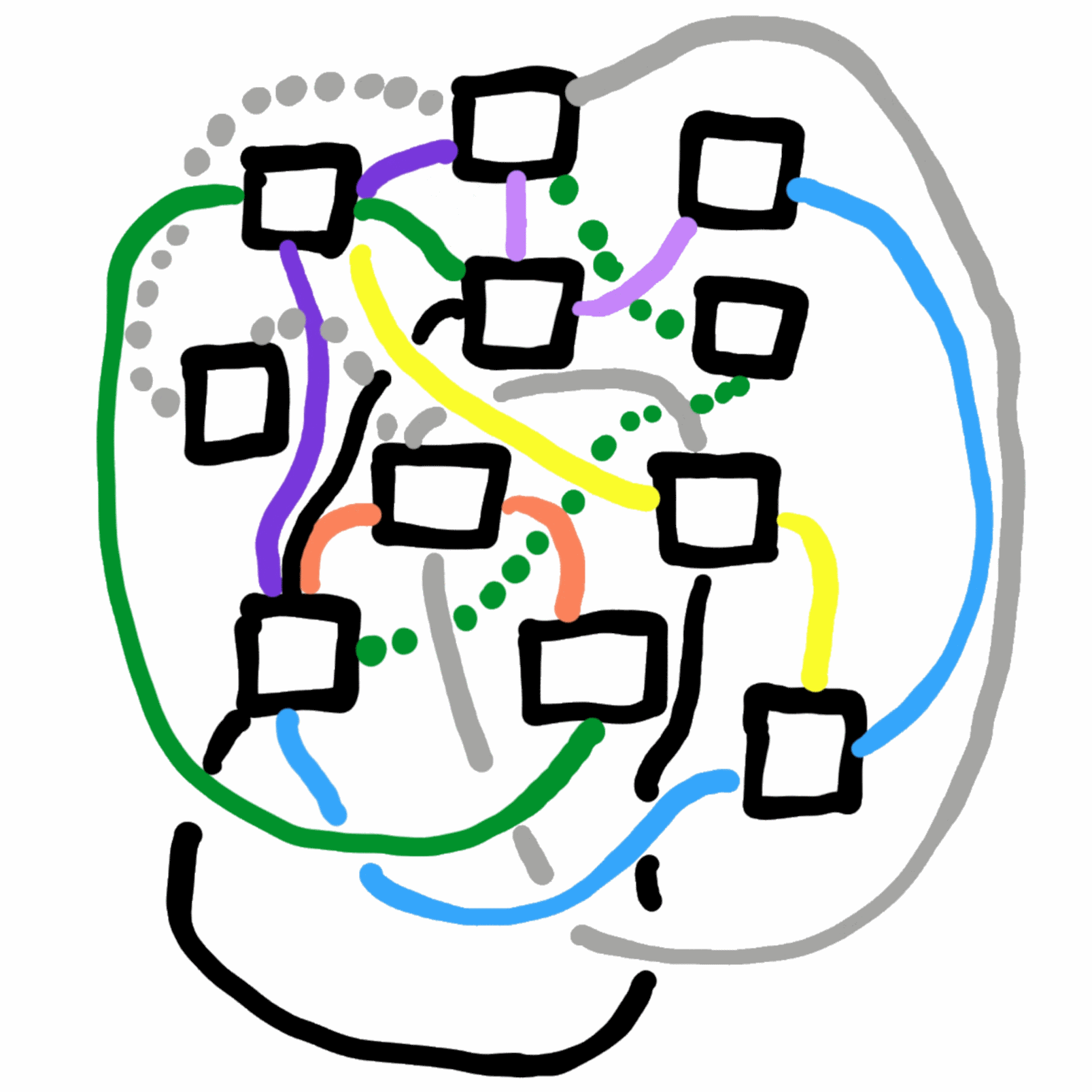
Level 3 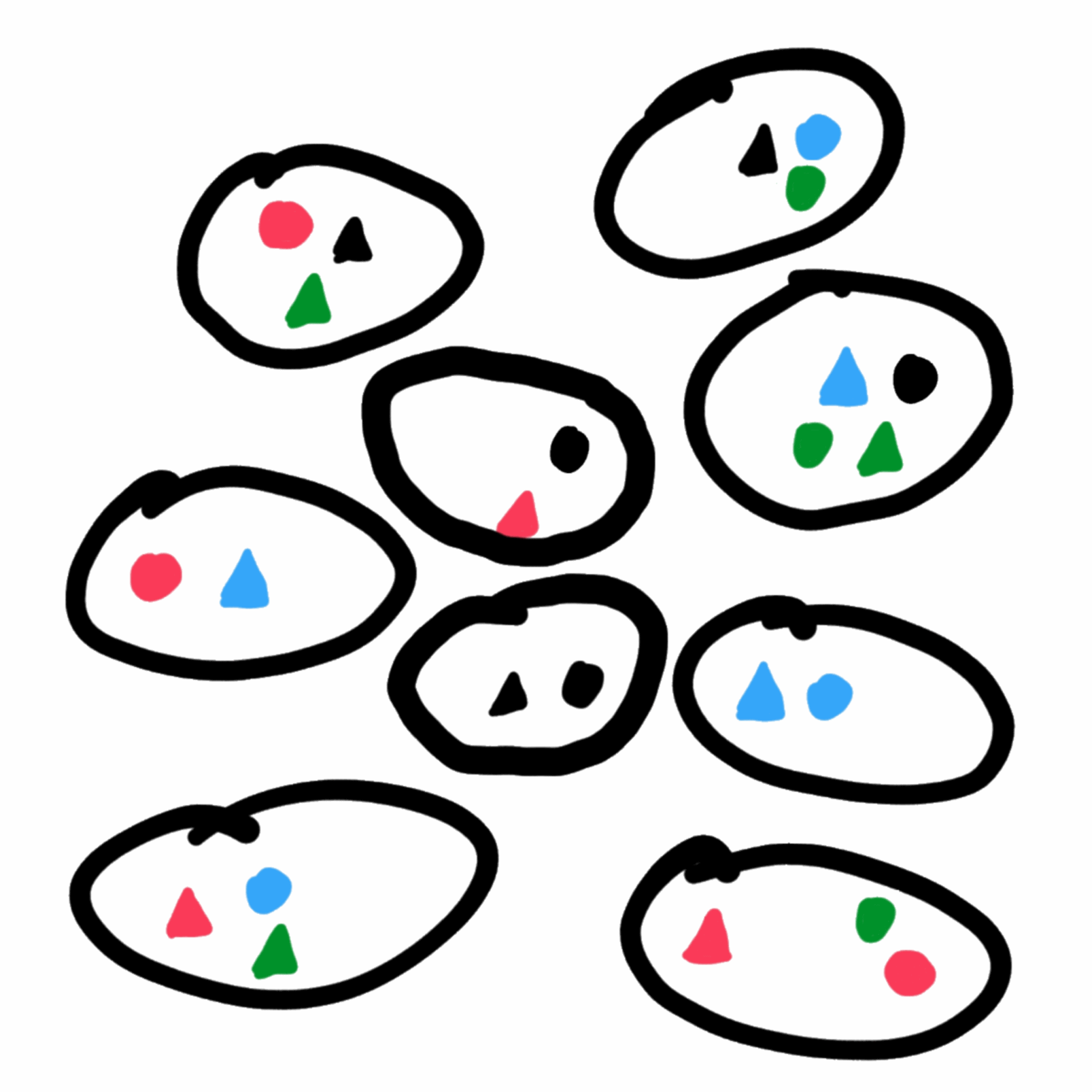
Level 10
Versions
Version 1.0.4 for iPhone, iPad, iPod touch, Mac and Apple Watch
- Issue #1 is fixed. Please restore purchases once after updating:
- On iPhone, iPad, iPod touch and Mac, tap one of the menu items and choose “Restore purchases already made for this game”.
- On the Apple Watch, choose “Restore purchases already made for this game” in the main menu. Then tap “Play against a friend” — the first game appears — and go back to the main menu.
- The app version is displayed.
Version 1.0.5 for iPhone, iPad, iPod touch, Mac and Apple Watch
- Correction of a spelling mistake in the English version.
If you have already made purchases, you may need to choose “Restore purchases already made for this game” once after installing.
Version 1.0.7 for iPhone, iPad, iPod touch, Mac and Apple Watch
The levels are displayed correctly on all devices.
Version 1.0.0 for Apple TV
First release.
Version 1.0.1 for Apple TV
The levels are displayed correctly.
Known issues
#1: purchases are not restored
In the first release, purchases were not restored after the app was closed. This has been fixed since version 1.0.4. In older releases:
- On iPhone, iPad, iPod touch and Mac, tap one of the menu items and choose “Restore purchases already made for this game”.
- On the Apple Watch, choose “Restore purchases already made for this game” in the main menu. Then tap “Play against a friend” — the first game appears — and go back to the main menu.